
Custom GPTs Are Being Retired: How to Move Yours
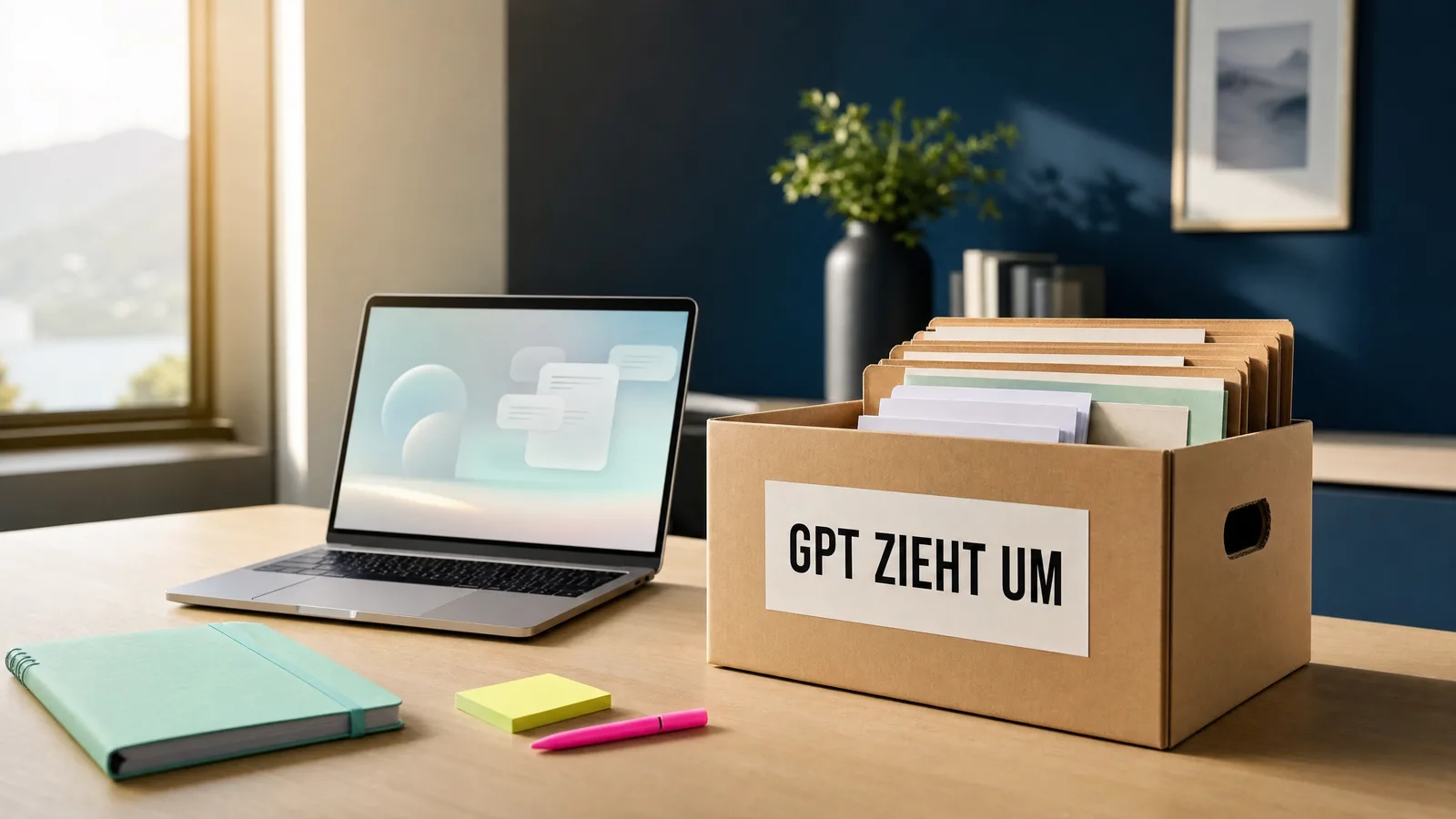
Maybe you've built one or more GPTs of your own. One that knows your offers, one that writes in your tone, one that helps you plan. They've quietly become part of your everyday life, and now comes the news that they'll soon be gone.
I understand if that feels like a loss at first. But it isn't, as long as you act in time, and that's exactly what this article is about.
What's happening right now
On 11 September 2026, OpenAI announced that it is discontinuing Custom GPTs. Since the end of September, you can no longer create new ones, and on 11 December 2026 the existing ones are expected to stop working. This date is officially confirmed for business accounts. For the other plans, OpenAI writes that they are expected to follow the same timeline. All details are subject to change.
By the way, this doesn't only affect the GPTs you built yourself, but also the ones from the store that you use. Whether a GPT built by someone else gets a successor is up to the person who built it.
What comes along and what gets lost
As a replacement, OpenAI is relying on so-called plugins. In the automatic migration, your GPT's instructions become a skill in the new plugin, and your knowledge files are carried over as reference files.
What doesn't move with it:
- Your previous conversations with the GPT.
- Actions, meaning connections to other programs.
- Conversation starters, the buttons with the prepared questions.
- Sharing: The new plugin starts out private. Anyone who was allowed to use your GPT so far won't automatically have access to its successor.
And one point that is truly urgent: uploaded files can't be reliably retrieved from a GPT. So check today whether you still have the originals on your computer.
Why this isn't a loss
I've built more than 80 GPTs, around 15 of them for clients. So the news hit me too. And I'll openly admit it: even I got it wrong. In my live call on 6 October, I still assumed you couldn't build plugins with the Pro plan. That was wrong. What is possible in which plan, whether projects, skills or plugins, is changing at OpenAI almost from week to week right now.
That's exactly why I advise you not to wait for the perfect format. What made a good GPT was never the format. It was the instructions, meaning the text that says who it is, what it does and how it sounds. These instructions are your real work, and they keep working. They're just moving.
How to move, in three steps
1. Back up. Open every GPT you want to keep in edit mode and copy its instructions into a document of their own. Put the knowledge files next to it. Do it now, not in December, because nobody knows exactly today what will still be accessible afterwards.
2. Choose a new home. For most people, a project in ChatGPT is the easiest place. Projects are available in every plan, including the free one, and they have their own instructions, their own files and their own memory. Depending on your plan, skills or plugins are also open to you. Which route suits you depends on how you work and who else uses the assistant.
3. Test. Ask your moved assistant three questions you also asked the old GPT, and compare. If something is missing, it's almost always down to the instructions or a file that didn't come along.
In my experience, by the way, three to five good files work better than twenty mediocre ones. The move is a good moment to declutter.
And if you'd rather not do this alone
That's exactly what my next WAItblick Impulse on Tuesday, 3 November 2026, at 19:00 is for, online and free of charge (held in German). In one hour, I'll show you the way step by step on screen, and then we'll move together. You join in, and I'll stay with you until it works for you. Keep your ChatGPT open and bring the GPT you want to keep. There's no recording, so it's best to be there live.
If you want to move several assistants for your team or set them up fresh right away, we'll look at it together in an AI consultation. And if you'd like to build your whole everyday AI routine over a few weeks, WAItblick is the right framework.
Frequently asked questions
Do I have to do anything myself, or will OpenAI switch things over automatically? OpenAI has announced an automatic migration, but it doesn't take everything along: conversations, actions and conversation starters are dropped, and the new plugin is private at first. If you back up the instructions yourself, you're on the safe side, no matter when and how the switch happens.
I only have the Plus plan or the free one. Am I left behind? No. Projects are available in every plan, and for a good AI assistant you don't need more than clear instructions and a few good files.
Is it still worth building an AI assistant at all? Yes, more than before. If you build the instructions carefully, they fit into a project, into a skill and into whatever comes next. So this time you're building for the next switch as well.
Sources
- OpenAI Help Center: Custom GPT retirement and migration FAQ
- ADTmag, 28.09.2026: OpenAI's Custom GPT Retirement Puts Integrations on the Migration Checklist
- SiteSpeakAI: Custom GPTs Retire December 11: How to Migrate to Plugins
Let's talk. 30 minutes, no strings attached.
Tell me where AI is currently annoying, confusing or intriguing you. Afterwards you'll know which next step makes sense for you.
Book your free intro call →